

AC1200 RANGE EXTENDER
22.99 €
Price excluding VAT
MEPA code99049192ABX
AC1200 RANGE EXTENDER
Made-to-order product. Ordered from the manufacturer on request. The delivery time is not given in the catalogue and must be confirmed.
Available on order
€Eligible for PNRR funds and calls for funding
This product is among the purchases covered by the open calls below: we help your school apply.
- New PNRR Notice – Scuola 4.0: Integrated Training Campuses for Technical and Vocational Institutesin 58 days
- New ERDF Notice “Scuola e Competenze” 2021-2027: Innovative Labs in Technical and Vocational Institutesin 58 days
- New POC Notice “Per la Scuola”: Innovative Labs in Technical and Vocational Institutesin 58 days
Description
- Elimina le zona d’ombra Wi-Fi — Amplia la copertura wireless anche nelle aree prima non raggiunte o con segnale debole?
- Wi-Fi Dual Band AC1200 — Sfrutta una velocità wireless fino a 1.2 Gbps
- Configurazione semplice — Basta premere il tasto WPS per sincronizzare l’Extender con il Router ed estendere il segnale Wi-Fi
- Indicatore di sengale LED — Il LED ti aiuta a capire il posizionamento più adatto per ottimizzare le performance dell’Extender
- Porta Ethernet 10/100 Mbps — Sfrutta la connessione cablata per connettere PC, IPTV e console di gioco
- Massima compatibilità — L’extender può essere associato a qualsiasi Router o Access Point
CARATTERISTICHE TECNICHE
| Posizionamento | Indoor |
|---|
CARATTERISTICHE FISICHE
| Peso | 130 gr |
|---|---|
| Led | Il LED multicolor ti guida nel posizionamento dell’Extender in modo da ottenere la migliore copertura Wi-Fi |
| Formato Chassis | Wall |
| Colore Chassis | Bianco |
| Altezza massima | 175 mm |
| Larghezza massima | 84.7 mm |
| Profondità massima | 39 mm |
ALIMENTAZIONE
| Power Supply | AC |
|---|---|
| Power Supply Tensione | 220 V |
| Power Supply Frequenza | 50/60 Hz |
WIRELESS
| Connettore antenne opzionali | Non presente |
|---|---|
| Velocità Wireless | 1200 Mbps Mbit/s |
| Antenna inclusa | Sì |
| Conformità Wireless | IEEE 802.11a/n/ac 5 GHz, IEEE 802.11b/g/n 2.4 GHz |
| Wireless Security | Sì |
| Banda di frequenza | 2,4/5 Ghz |
CONNETTIVITÀ
| Connettori porte LAN | RJ-45 |
|---|---|
| Conformità LAN | IEEE 802.11a/n/ac 5 GHz, IEEE 802.11b/g/n 2.4 GHz |
| Velocità LAN | 10100 Mbit/s |
| Numero porte LAN | 1 N |
CONFORMITÀ
| Dichiarazione di Conformità | CE, RoHS |
|---|
CONFEZIONE
| Cavi inclusi | no |
|---|---|
| Manuali | Guida installazione rapida |
| Kit e Accessori Vari | no |
| Software | Configurazione semplice: Premi il tasto WPS sul Router e sull’Extender per associare i due dispositivi in un attimo. Step 1:Premi il tasto WPS sul Router e sull’Extender ME30 Step 2:Riposiziona l’Extender ME30 nella posizione desiderata seguendo l’indiatore di segnale LED Frequency |
Additional information
| Weight | 0.255 kg |
|---|---|
| Dimensions | 12.4000 × 14.8000 × 10.2000 cm |
| Marca | MERCUSYS |
| Classe | A — sempre ordinabile |
| Fornitore | Esprinet |
| Posizionamento | Indoor |
| Peso | 130 gr |
| Led | Il LED multicolor ti guida nel posizionamento dell'Extender in modo da ottenere la migliore copertura Wi-Fi |
| Formato Chassis | Wall |
| Colore Chassis | Bianco |
| Altezza massima | 175 mm |
| Larghezza massima | 84.7 mm |
| Profondità massima | 39 mm |
| Power Supply | AC |
| Power Supply Tensione | 220 V |
| Power Supply Frequenza | 50/60 Hz |
| Connettore antenne opzionali | Non presente |
| Velocità Wireless | 1200 Mbps Mbit/s |
| Antenna inclusa | Sì |
| Conformità Wireless | IEEE 802.11a/n/ac 5 GHz, IEEE 802.11b/g/n 2.4 GHz |
| Wireless Security | Sì |
| Banda di frequenza | 2,4/5 Ghz |
| Connettori porte LAN | RJ-45 |
| Conformità LAN | IEEE 802.11a/n/ac 5 GHz, IEEE 802.11b/g/n 2.4 GHz |
| Velocità LAN | 10100 Mbit/s |
| Numero porte LAN | 1 N |
| Dichiarazione di Conformità | CE, RoHS |
| Cavi inclusi | no |
| Manuali | Guida installazione rapida |
| Kit e Accessori Vari | no |
| Software | Configurazione semplice: Premi il tasto WPS sul Router e sull'Extender per associare i due dispositivi in un attimo. Step 1:Premi il tasto WPS sul Router e sull'Extender ME30 Step 2:Riposiziona l'Exte |
Related products
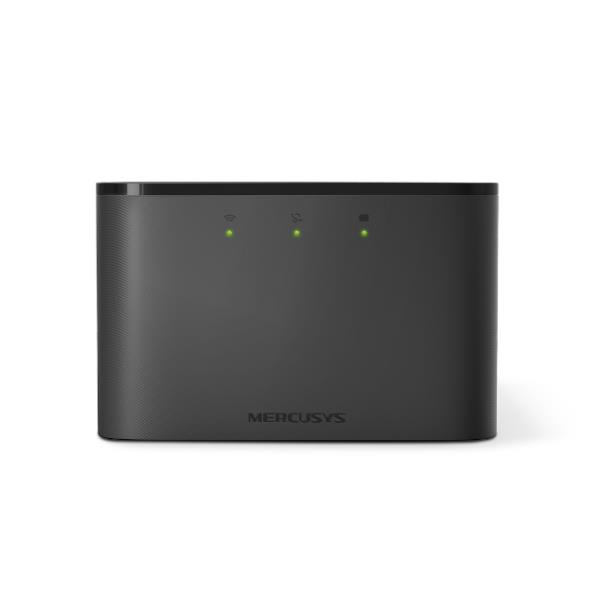 MERCUSYSWireless Bridges for Peripherals150MBPS 4G LTE MOBILE WI-FI150MBPS 4G LTE MOBILE WI-FI● 49 availableMEPA99049889ABX
42.99€excl. VAT
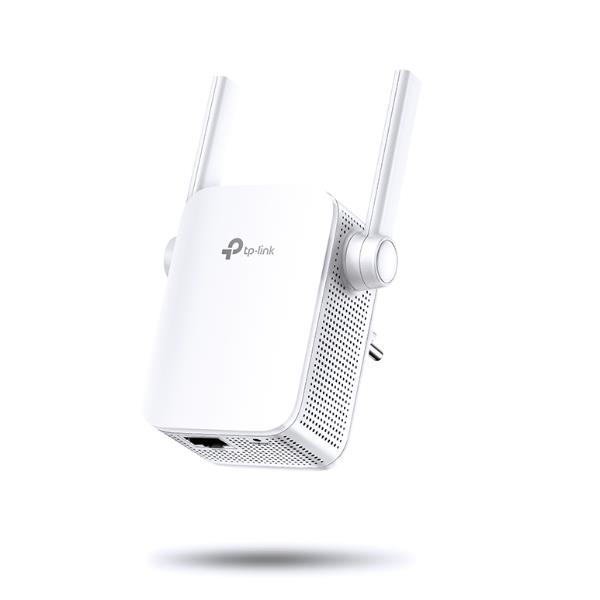 TP-LINKWireless Bridges for Peripherals7ANGE EXTENDER WI-FI 300MBPS7ANGE EXTENDER WI-FI 300MBPS● 56 availableMEPA99056504ABX
22.00€excl. VAT
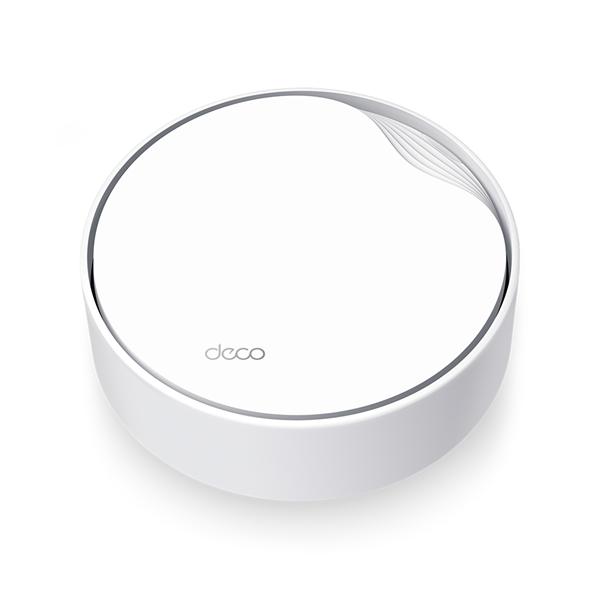 TP-LINKWireless Bridges for PeripheralsAX3000 HOME MESH WI-FI 6 POEAX3000 HOME MESH WI-FI 6 POE● On orderMEPA99042089ABX
151.47€excl. VAT
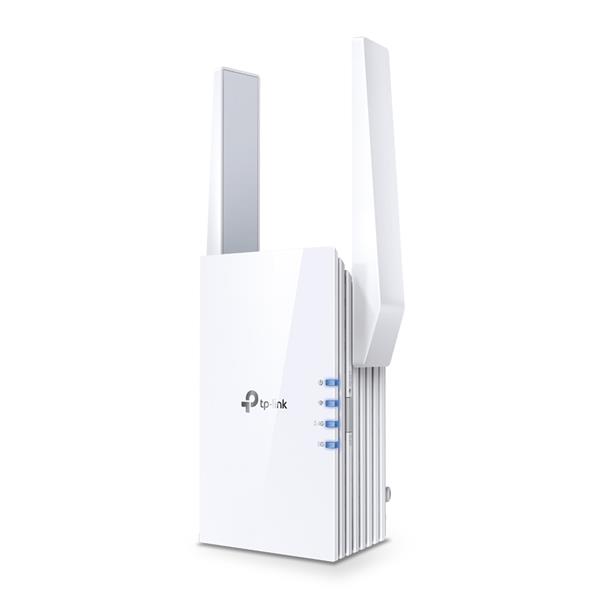 TP-LINKWireless Bridges for PeripheralsAX3000 WIFI6 RANGE EXTENDERAX3000 WIFI6 RANGE EXTENDER● 31 availableMEPA99053856ABX
82.94€excl. VAT
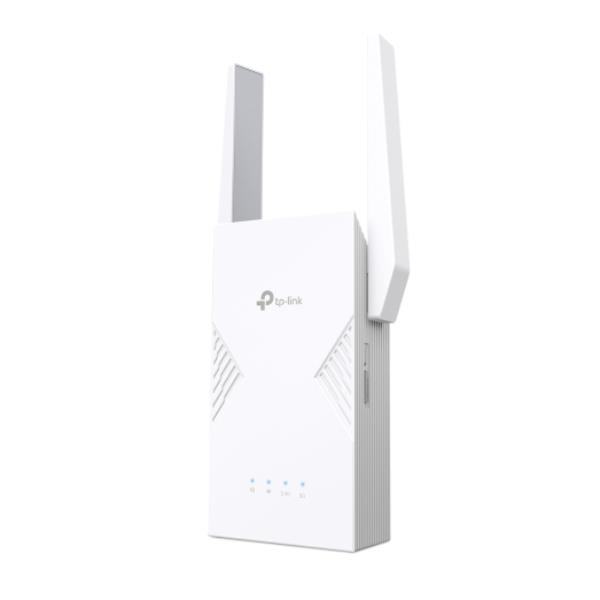 TP-LINKWireless Bridges for PeripheralsBE3600 WI-FI 7 RANGE EXTENDERBE3600 WI-FI 7 RANGE EXTENDER● On orderMEPA99053848ABX
112.13€excl. VAT
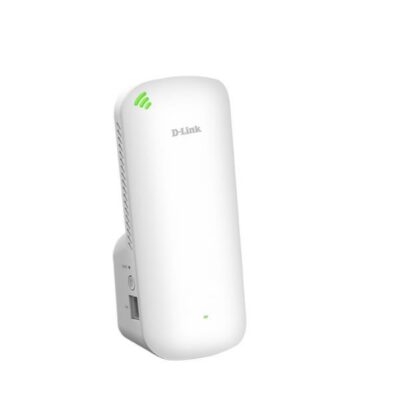 D-LINKWireless Bridges for PeripheralsEXO AX1800 Mesh Wi‑Fi 6AX1800 MESH WI-FI 6● On orderMEPA99042010ABX
58.79€excl. VAT
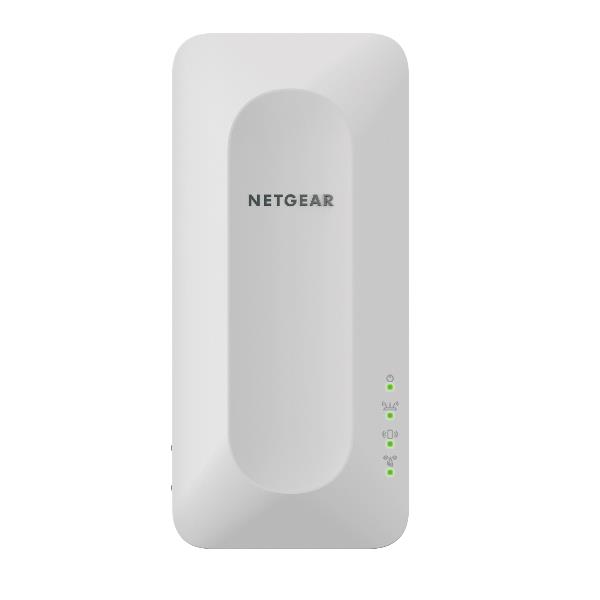 NETGEARWireless Bridges for PeripheralsEXTENDER MESH WI-FI 6 A 4 FLUSSIEXTENDER MESH WI-FI 6 A 4 FLUSSI● On orderMEPA99043397ABX
126.15€excl. VAT
 Fritz!Wireless Bridges for PeripheralsFRITZ! MESH SET 1700 2PACKFRITZ! MESH SET 1700 2PACK● On orderMEPA99029221ABX
204.10€excl. VAT
 Fritz!Wireless Bridges for PeripheralsFRITZ!Mesh Set 2700 2-pack Edition InternationalFRITZ! MESH SET 2700 2PACK● 7 availableMEPA99029224ABX
286.07€excl. VAT
 Fritz!Wireless Bridges for PeripheralsFRITZ!Mesh Set 2700 3-pack Edition InternationalFRITZ! MESH SET 2700 3PACK● 2 availableMEPA99029225ABX
409.02€excl. VAT